Web
Open it in any browser — on a computer, tablet or phone. Nothing to install.
- Sync across devices
- Upload EPUB, PDF, TXT or add from Project Gutenberg
- Your own API key (OpenAI, Anthropic, DeepSeek and more)
- Read the page aloud (cloud voice)Cloud
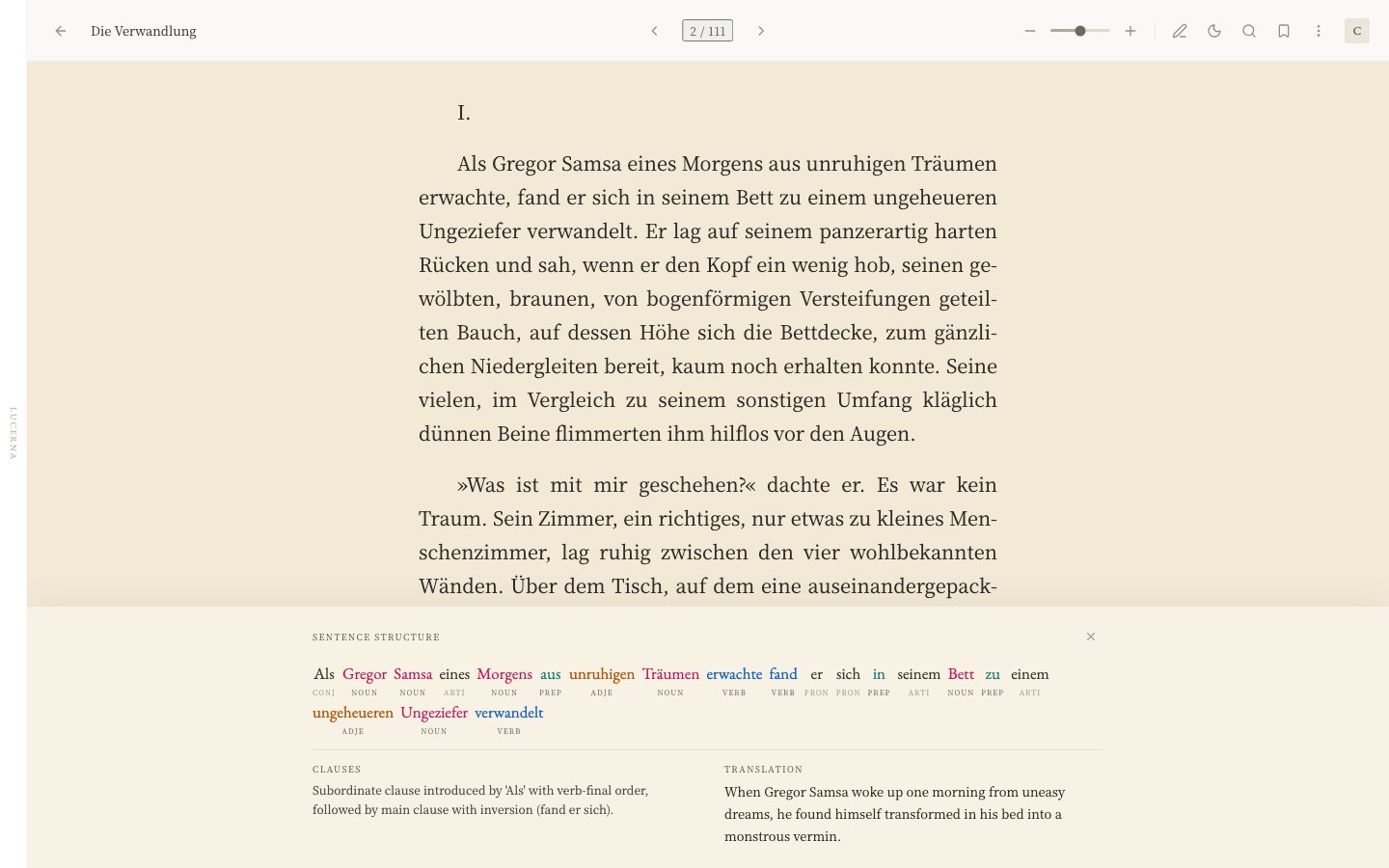
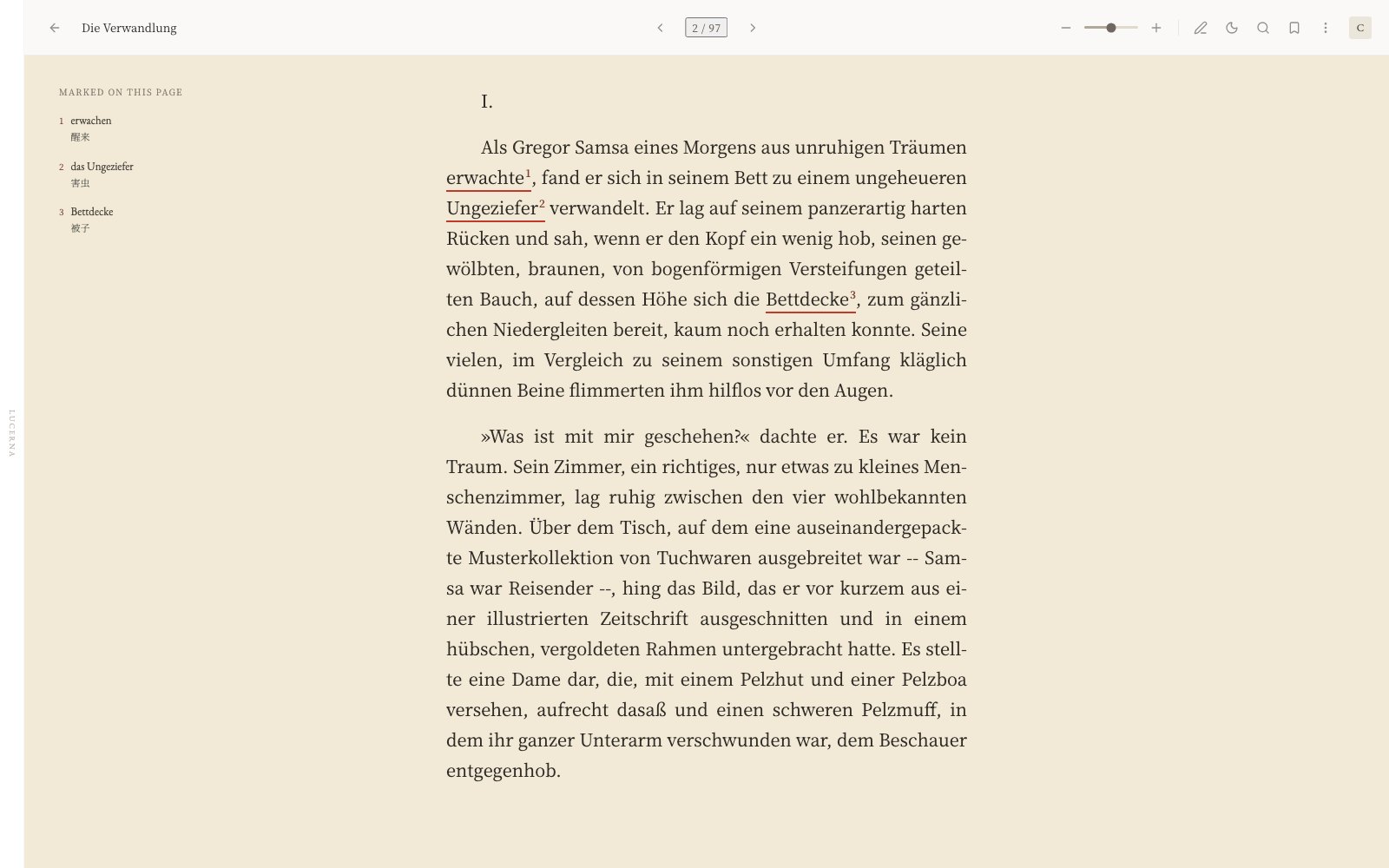
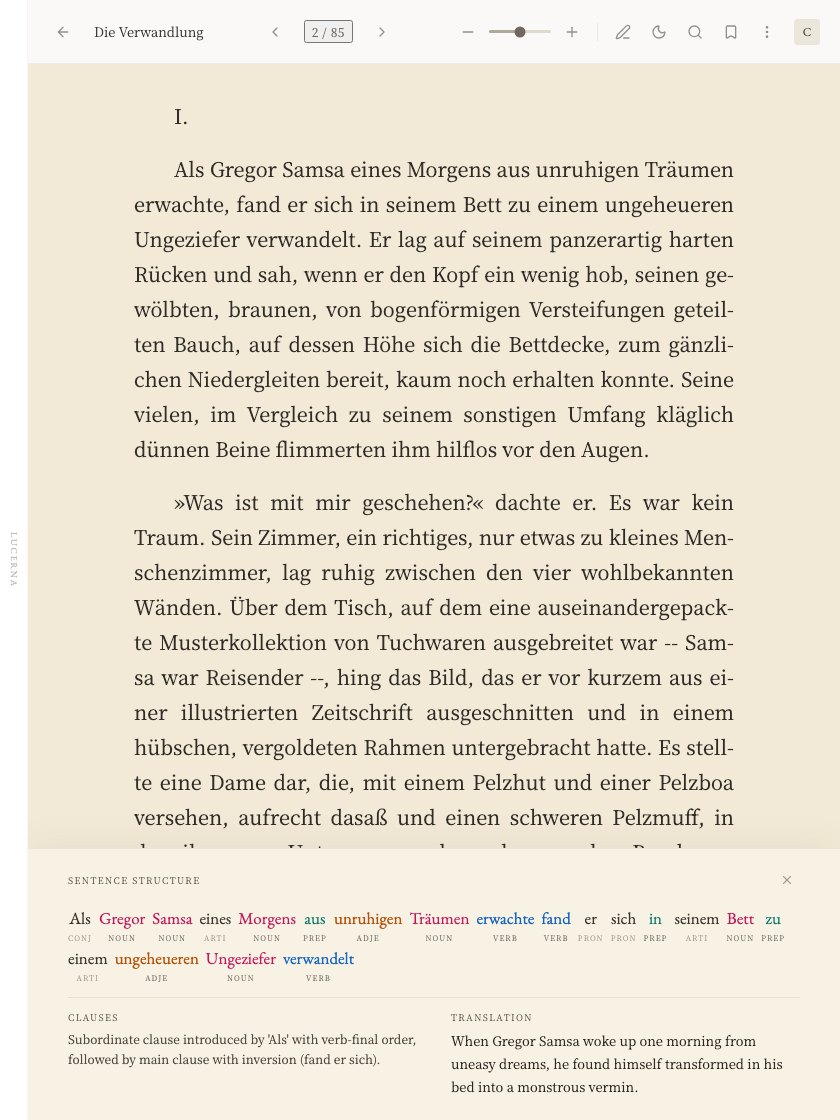
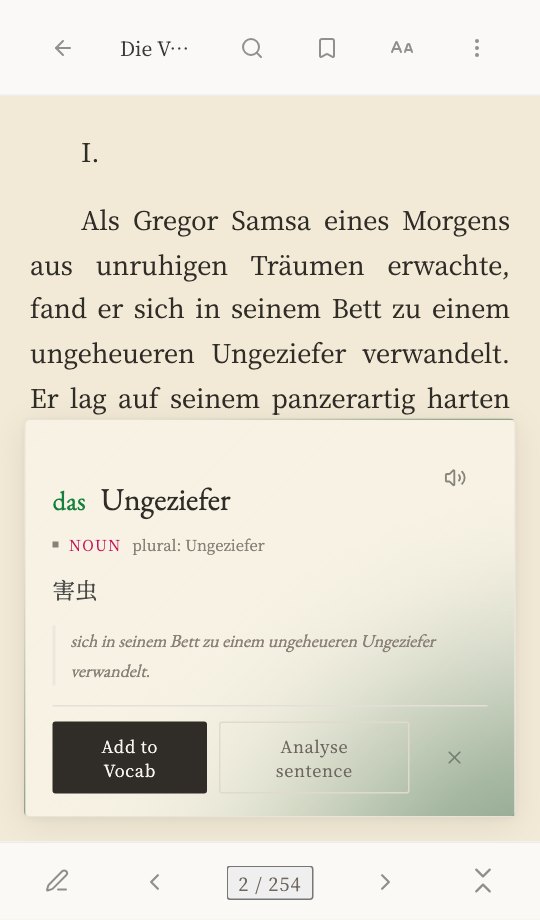
Als Gregor Samsa eines Morgens aus Träumen , er sich in seinem Bett zu einem ungeheueren verwandelt. Er lag auf seinem panzerartig harten Rücken und sah, wenn er den Kopf ein wenig hob, seinen gewölbten, braunen, von bogenförmigen Versteifungen geteilten Bauch, auf dessen Höhe sich die Bettdecke, zum gänzlichen Niedergleiten bereit, kaum noch erhalten konnte. Seine vielen, im Vergleich zu seinem sonstigen Umfang kläglich dünnen Beine flimmerten ihm hilflos vor den Augen.
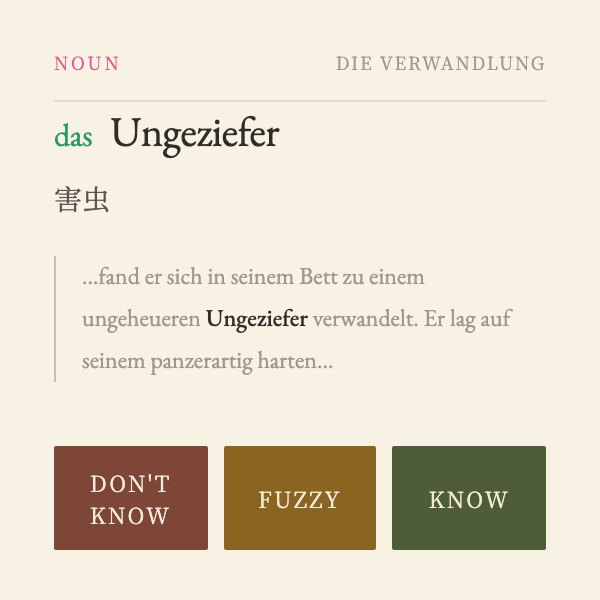
Tap a word to see what it means. Break a long sentence down into its grammar, with a translation beside it. Words you save go into that book's word list and come back when they're due for review.
No sign-up needed to try it. Project Gutenberg books built in, and the basics are free.
Look-up, sentence analysis and review, all inside the book you're reading.
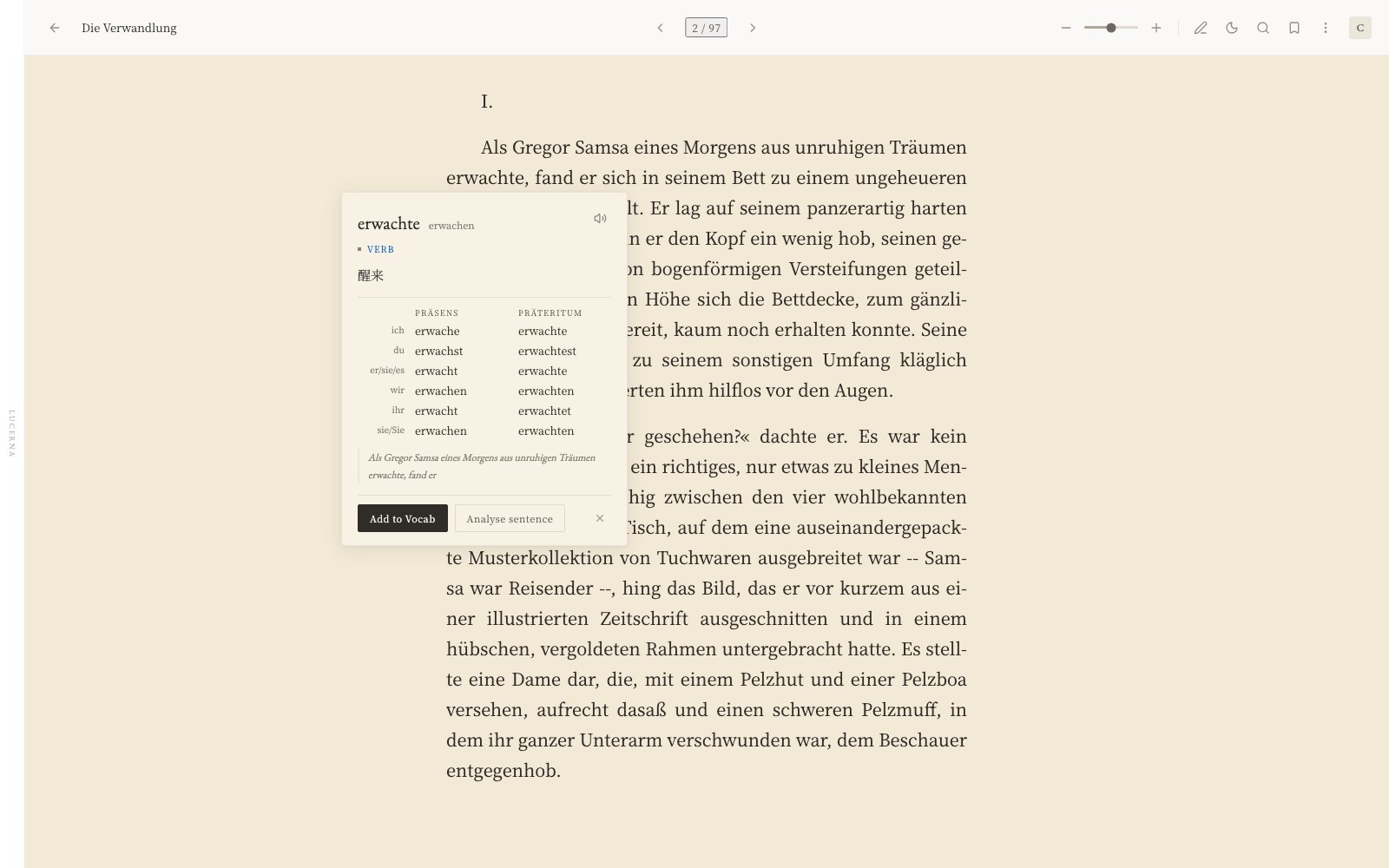
12 of them with deeper support; features vary by language.
Day: warm white paper, ink-black text. Night: ink-blue paper, bone-white text.
Highlight passages, add notes, export them as share cards.
Upload EPUB, PDF, TXT or HTML; scanned PDFs are read with OCR. Or add any title from the built-in Project Gutenberg library.
Any page read aloud, and audiobooks highlighted word by word as they play.
In the desktop app, ask about the plot, the characters or the cultural background of what you are reading.
All your books, on all your devices, with everything in sync. Even offline in the desktop app.
Open it in any browser — on a computer, tablet or phone. Nothing to install.
Windows · macOS (Apple silicon) · Linux
Everything on the web, plus:
The phone app is in the works. Until then, read in your phone’s browser.
Cloud Requires Lucerna Cloud
1 Needs your own API key; on desktop a local model also works; built into Lucerna Cloud.
2 Needs your own API key (local models cannot chat yet).
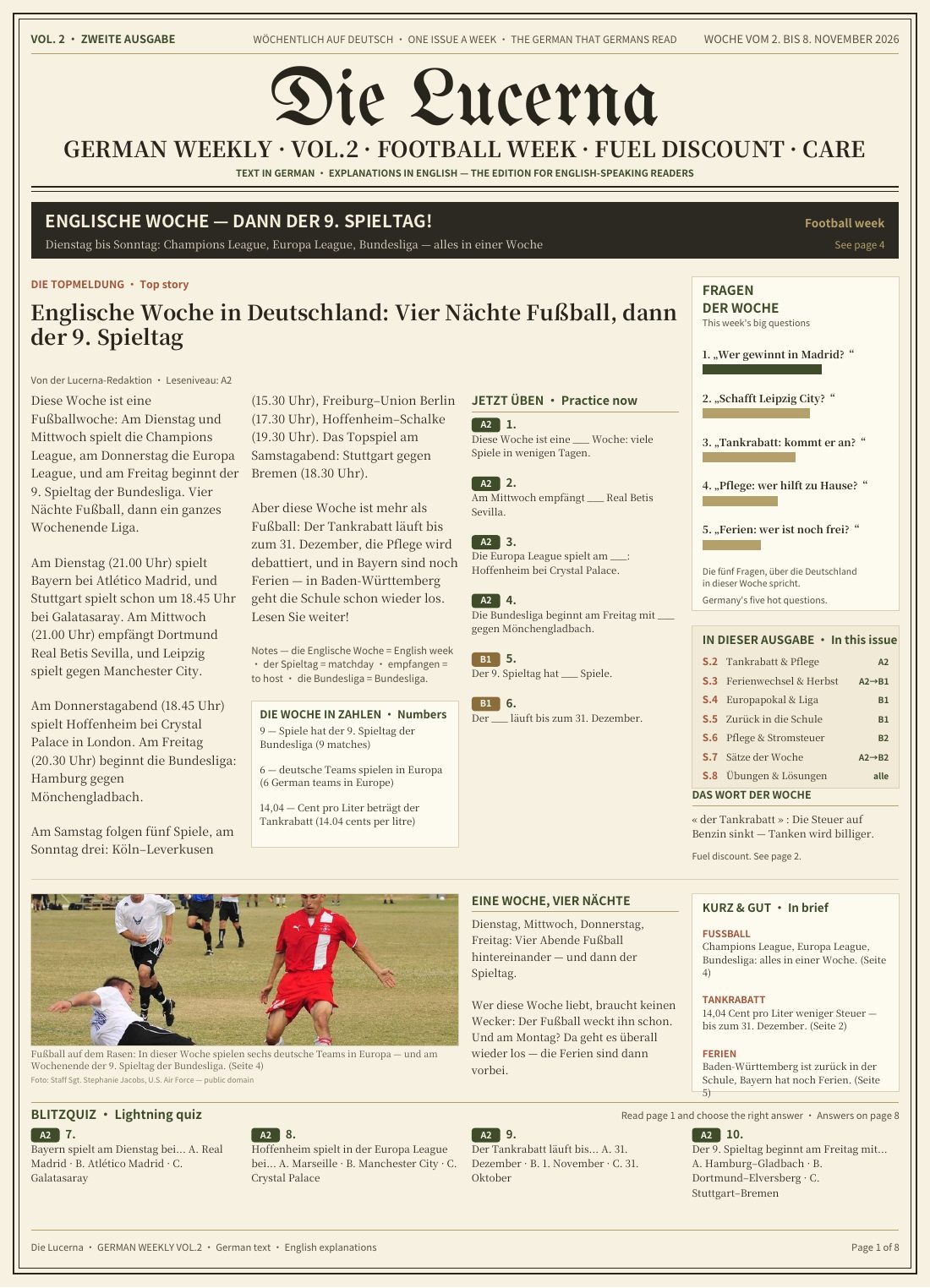
Every Monday | Free
This week’s news, in the language you’re learning. Every story has exercises, with notes on key words and explanations of the answers.
Can’t find your question? Email info@lucernaread.com.
Lucerna Reader is a multilingual ebook app for learning languages through real books. Tap a word for its definition, pronunciation, and conjugation; select a sentence for a grammatical breakdown and translation; save words to a review deck — all without leaving the page.
Yes. You can try it without an account (1 book, 5 saved words), and a free account raises those limits (5 books, 200 saved words) and syncs across devices. AI translation and sentence analysis run on your own LLM API key (OpenAI, Anthropic, DeepSeek, Kimi and others); their free tiers are usually enough for reading. The desktop app can also run sentence analysis on a local model (Ollama, LM Studio, llama.cpp), with no cloud and no cost, and books you save to your computer can be read offline without counting toward your account shelf.
The Lucerna app is free. Lucerna Cloud is an optional subscription: $3/month or $30/year (in mainland China, ¥18/month or ¥180/year). It gives you a bigger cloud bookshelf, built-in AI with no API key needed, and cloud text-to-speech.
You can read books in 71 languages. Twelve of them get fuller support: English, German, French, Spanish, Italian, Portuguese, Dutch, Russian, Simplified Chinese, Traditional Chinese, Japanese and Korean. How far each feature goes varies by language and by the model you connect.
Yes — upload EPUB, PDF, or TXT files. Lucerna paginates them, builds a table of contents, and indexes the full text for instant search, so your own books get the same lookup and analysis as the built-in library.
No. Try Mode works without one. When you want to keep more books and vocabulary — and sync them with the desktop app — a free account takes a minute to create.
You never leave the sentence you are reading. Looking up a word or translating a passage happens in place, and every word you save lands in a review deck — instead of switching to a translator and losing the thread.
The web app needs no download: open lucernaread.com and start reading. The desktop app runs on macOS, Windows and Linux; get it from lucernaread.com/landing/desktop. Same account, same library, plus offline reading, local voices and audiobooks with word-by-word highlighting, and local models.
Lucerna is Latin for “lamp” — a light for the page you are reading. It is not the Swiss city Lucerne, though the two share the Latin root.
Read in your browser, or get the desktop app for Windows, macOS and Linux.
Project GutenbergClassics never go out of style